Doza Assist for Archive Managers.
The backlog is the problem every archive shares: hundreds of hours of interviews, events, and raw tape that exist but can't be searched, so they can't be found, so they can't be used. Doza Assist works through it on the archive's own Mac — batch transcription with every speaker labeled, word-level timing, and transcripts exported as documents the catalog can hold — with restricted collections never leaving the machine.
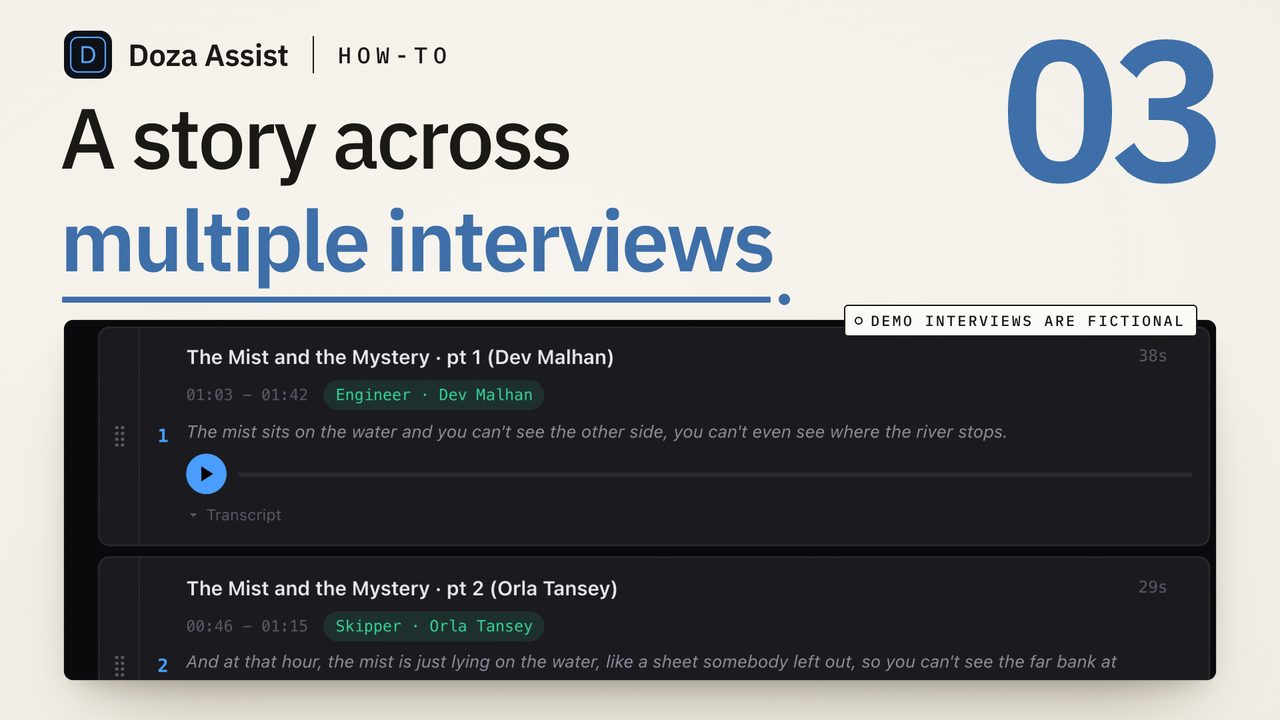
Doza Assist is local-first transcription for media archives. Queue a collection's recordings with Batch, get offline transcripts in about 100 languages with every speaker labeled and word-level timecodes, search the whole collection in plain language, and export transcripts, selects, and Quote Sheets as Word, PDF, or Excel for the catalog or for researchers. Unlimited hours for a $199 one-time license per editor, and nothing uploads — so restricted and donor-controlled material stays where the deposit agreement says.
01How does a backlog move through Doza Assist?
The pass is built for volume: load a collection, let the machine work through it unattended, and come back to material that is searchable and documented.
- Load a collection. Digitized tape, born-digital interviews, event recordings — standard video and audio formats come straight in. Group a series or a fonds as a Collection so it can be searched as one body of material.
- Batch the transcription. Queue the whole collection for unattended transcription and Speaker ID. It runs on the Mac's idle hours, offline, with no per-minute meter counting the backlog.
- Name the speakers once. Speaker ID separates every voice; rename a speaker and every line they said carries the name. Correct a transcript in place — double-click a word, reassign a line — and the timecodes never move.
- Search the collection. Ask in plain language across every recording — every mention of a place, a person, an event — and get timecoded answers with playable clips. Click any word to hear it.
- Export for the catalog. Transcripts, selects lists, and Quote Sheets export as Word, PDF, or Excel — standard documents to attach to catalog records, hand to researchers, or feed whatever system manages the archive.
02Why restricted collections need a local pass
Archives hold material under conditions: donor restrictions, embargoes, personal data of living people, cultural protocols. Sending that material to a transcription service means a copy on a server the archive doesn't control, under terms it didn't write. For much of a collection that's simply not permitted, so the backlog stays a backlog.
Doza Assist runs entirely on the archive's Mac and works with networking off. Transcription, Speaker ID, search, and analysis produce nothing outside the machine, so the restricted deposit and the open-access series go through the same pass under the same conditions. Oral history programs already use this approach for participant recordings; the same page for them is here. This page is about running it at the scale of an archive.
Doza Assist doesn't replace a catalog, a DAM, or a repository. It reads standard media files and produces standard documents — Word, PDF, Excel — and standard NLE sequences. Attach a transcript to the item record, keep the Doza project as the working copy, and the archive's own system remains the system of record.
03How does it compare to cloud transcription for archives?
Cloud transcription is priced per minute or per seat and requires the recording to leave the building. Against a backlog, both of those are the problem.
| Doza Assist | Cloud transcription service | |
|---|---|---|
| Where recordings are processed | On the archive's Mac, offline | Vendor servers |
| Restricted and donor-controlled material | Stays on the machine | Copy on vendor servers |
| Cost against a 500-hour backlog | $199 one-time, unlimited hours | Per-minute charges scale with the backlog |
| Unattended processing | Batch, on idle hours | Upload queue |
| Speaker labeling | Every voice separated and labeled | Varies |
| Output for the catalog | Word, PDF, Excel documents | Varies; often proprietary viewer |
| Collection-wide search | Plain-language questions across a Collection | Per-file search |
A cloud service can suit a small, unrestricted, one-time job. An archive with a real backlog and real conditions on its material gets more from a pass that runs on its own hardware for a one-time price.
04Frequently asked
How much material can it handle?
There is no per-minute meter; the license covers unlimited hours. Batch processing queues a stack of recordings for unattended work, and Collections group any number of recordings for search. Throughput depends on the Mac — Apple Silicon with 32GB or more is recommended for large collections.
What formats does it read?
Standard video and audio formats, including the files most digitization workflows produce. FCPXML from Final Cut Pro, including multicam and sync clips, is also read directly.
Can researchers use the transcripts without the app?
Yes. Transcripts, selects, and Quote Sheets export as Word, PDF, or Excel. Researchers, catalogers, and rights holders open standard documents; the app stays with the archive.
Our collections are multilingual. Is that a problem?
Transcription covers about 100 languages, auto-detected, entirely offline, and AI summaries can be produced in any of 30 output languages, set per project.
Is anything sent to a server, ever?
No. Transcription, Speaker ID, search, and analysis run on the Mac, and the app works with networking off. The optional AI assistant connector (MCP, for Claude, Codex, Cursor and VS Code) is off by default and, even when switched on for a project, shares transcript text and selects only — never media.
Doza Assist — offline batch transcription, Speaker ID, collection-wide search, and documents export for the catalog, on the archive's own Mac.
Free trial: every feature on your first 2 minutes — no account, no card · 30-day money-back guarantee · Requires a Mac with Apple Silicon (M1 or later)