AI transcription for Final Cut Pro.
Doza Assist transcribes your footage on your Mac — multicam and sync clips included, speakers labeled, no per-minute meter — then sends your selects back as a sequence that opens in Final Cut Pro by itself. Nothing uploads, ever.
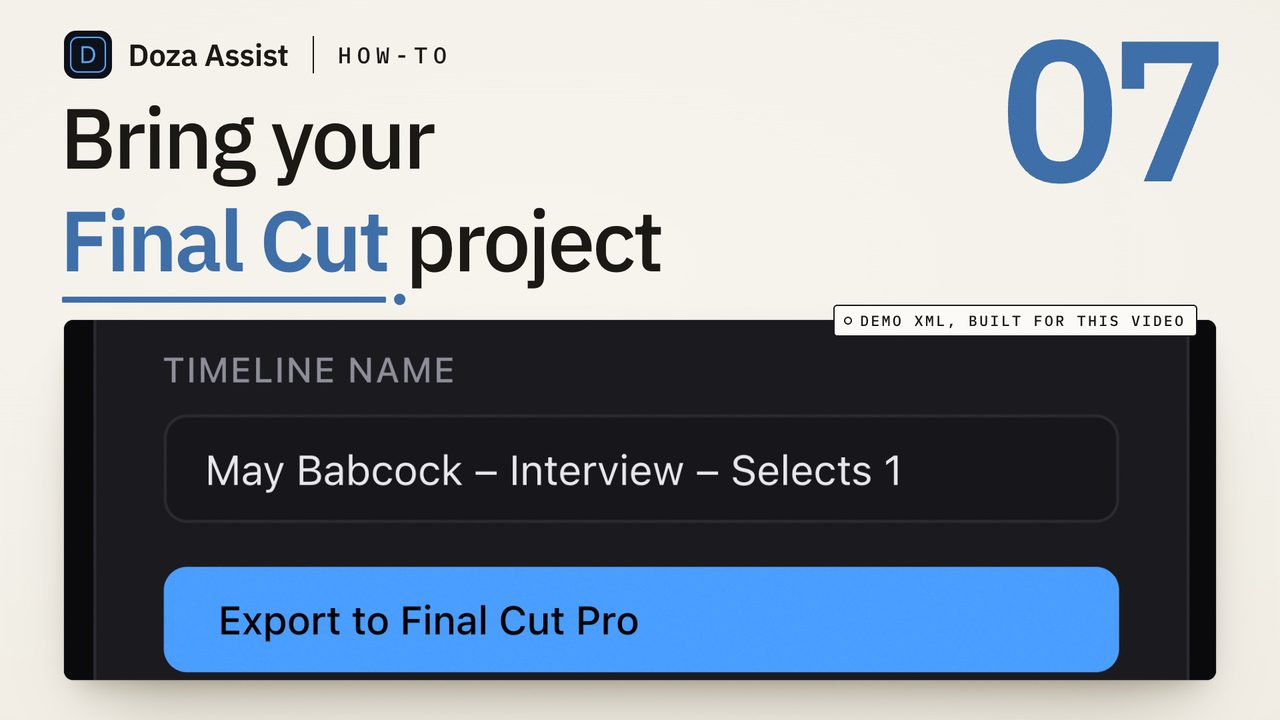
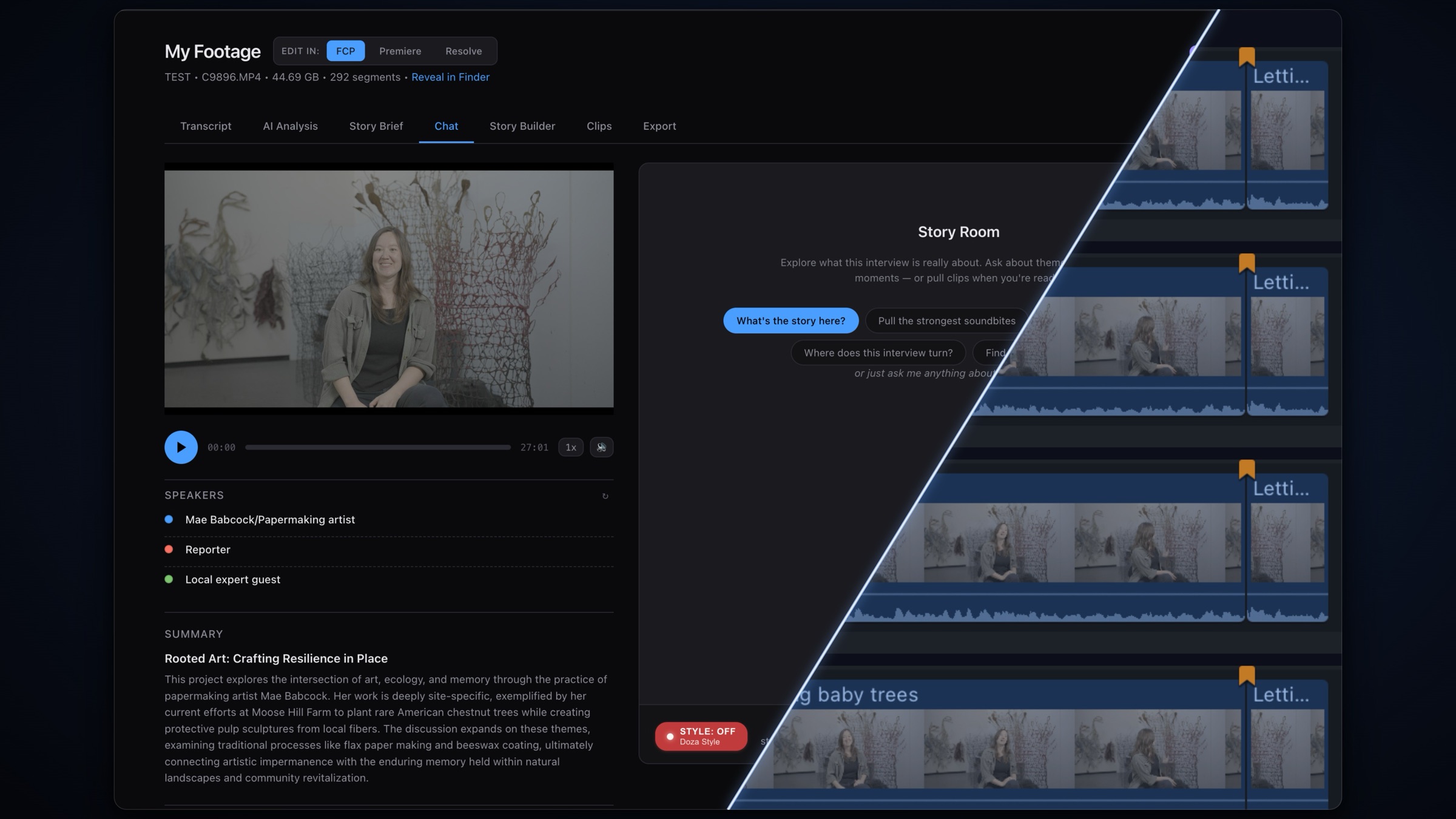
Doza Assist is a local AI transcription and story-editing companion for Final Cut Pro. It reads FCPXML 1.8–1.14 (including .fcpxmld bundles) and plain camera files, transcribes offline in about 100 auto-detected languages with speakers identified, finds the strongest moments, and delivers a selects sequence straight back — Final Cut opens it automatically, no manual import. One-time $199 license, unlimited hours.
01How do you transcribe Final Cut Pro footage with AI?
Final Cut Pro 11 can transcribe a timeline into captions, but captions aren't a transcript you can edit from: no speaker labels, no search across a project of interviews, no way to turn the good lines into a cut. Doza Assist adds that layer beside Final Cut:
- Bring in your footage. Drop camera files straight in, or export an FCPXML of your project from Final Cut (File → Export XML) and drop that — versions 1.8 through 1.14 and
.fcpxmldbundles are read directly. Media stays exactly where it is: nothing is copied, converted, or re-transcoded. - Transcribe everything locally. The engine runs on your Mac's Apple Silicon — an English fast path plus Whisper large-v3 for about 100 auto-detected languages. No upload queue, no credits, no per-minute bill. A 40-hour project costs the same as a 40-second one.
- Speakers, labeled. On-device Speaker ID separates who said what — even on two-camera sit-downs — with the voice models bundled inside the app. It works with the network cable unplugged.
- Find the moments. Search every word, ask in plain language ("the three best lines about the launch"), pull selects with the 5-color highlighter, and tighten each one to the exact word with word-level trim.
- Send it back. One click hands Final Cut a finished FCPXML and opens it in the app — Final Cut imports it on its own and your stringout is on the timeline. Prefer a file? Save it and import whenever you like.
02Multicam and sync clips survive the round trip
This is where most transcription tools and Final Cut part ways: they want flattened media, and your project is built from multicam clips and synchronized clips. Doza Assist parses the real structure of your FCPXML — multicam clips with their angles and per-angle audio, sync clips with their active audio roles, connected clips sitting in lanes — and transcribes in timeline time, so every word in the transcript lines up with the timecode you'll cut at.
When your selects go back, the writer re-emits each one as the same kind of clip it came from — a multicam clip stays a multicam clip with its angle intact — and splices your file's original resources in unchanged, so Final Cut's media references validate and nothing comes in offline. You can also choose markers instead: your selects land as markers on the original timeline, color-coded by type.
Compound clips aren't parsed — Final Cut's Clip ▸ Break Apart Clip Items expands them in place, and the app tells you exactly that if it meets one. Multicam clips, sync clips, and ordinary clips all import as-is.
03How is this different from cloud transcription for FCP?
The established route — the cloud transcription services — meters your footage by the minute and requires uploading it before you can search a word. Doza Assist inverts the architecture: the whole pipeline runs on the Mac that already holds the media.
| Doza Assist | Typical cloud service | |
|---|---|---|
| Where footage is processed | On your Mac, offline | Uploaded to vendor servers |
| Pricing | $199 one-time, unlimited hours | Per-minute meter or subscription |
| Multicam & sync clips | Parsed and preserved round-trip | Usually flattened media only |
| Getting the cut into FCP | Sequence opens in FCP automatically | Download, then import by hand |
| Speaker ID | On-device, models bundled | Cloud-processed |
| Story analysis & soundbites | Built in, local | Rare; transcript only |
| Works with no internet | Fully offline | No |
04Frequently asked by Final Cut editors
Does Final Cut Pro have AI transcription built in?
Final Cut Pro 11 can transcribe a timeline's audio into closed captions. That's a captioning feature: it doesn't label speakers, search across the untouched footage in your event, pick soundbites, or build a selects sequence. Doza Assist does that part — the finding-the-story pass — and then hands the result back to Final Cut.
Does the exported sequence really open in Final Cut by itself?
Yes. Doza Assist locates your Final Cut Pro install — the App Store version, the trial, and the Apple Creator Studio edition all count — and opens the finished FCPXML with it; Final Cut imports it automatically and the stringout appears as a new project. If you'd rather keep control, choose to save the file instead and import it yourself.
What exactly can I import?
Camera files (drag and drop), or FCPXML exports — versions 1.8 through 1.14, both the single .fcpxml file and the .fcpxmld bundle that Final Cut writes today. Multicam clips, sync clips, and connected clips are parsed with their structure intact. Whole .fcpbundle libraries can't be dropped in directly — export an XML of the project or event first, which takes seconds and carries no media.
Will it re-transcode or move my media?
No. Your files stay in place and untouched; the app extracts only a lightweight audio stream for transcription. An 80GB shoot comes in through a few kilobytes of XML.
My interviews aren't in English. Covered?
Yes — transcription auto-detects about 100 languages and runs fully offline. AI writing (summaries, soundbites, story analysis) can come back in any of 30 output languages, set per project.
Is there really no subscription?
Really. $199 one-time includes the first year of updates; after that, updates are an optional $49/yr and the app keeps working forever either way. There's a free trial — every feature on the first 2 minutes of each file — and a 30-day money-back guarantee.
Doza Assist — unlimited local transcription, Speaker ID, story analysis, word-level trim, and a sequence that opens itself in Final Cut Pro.
Free trial: every feature on your first 2 minutes — no account, no card · 30-day money-back guarantee · Requires a Mac with Apple Silicon (M1 or later)