Speaker identification for panels and crosstalk.
Panels break speaker identification in predictable ways: overlap, a shared mic, a moderator talking under answers. How to record so labels hold and how to fix the transcript after.
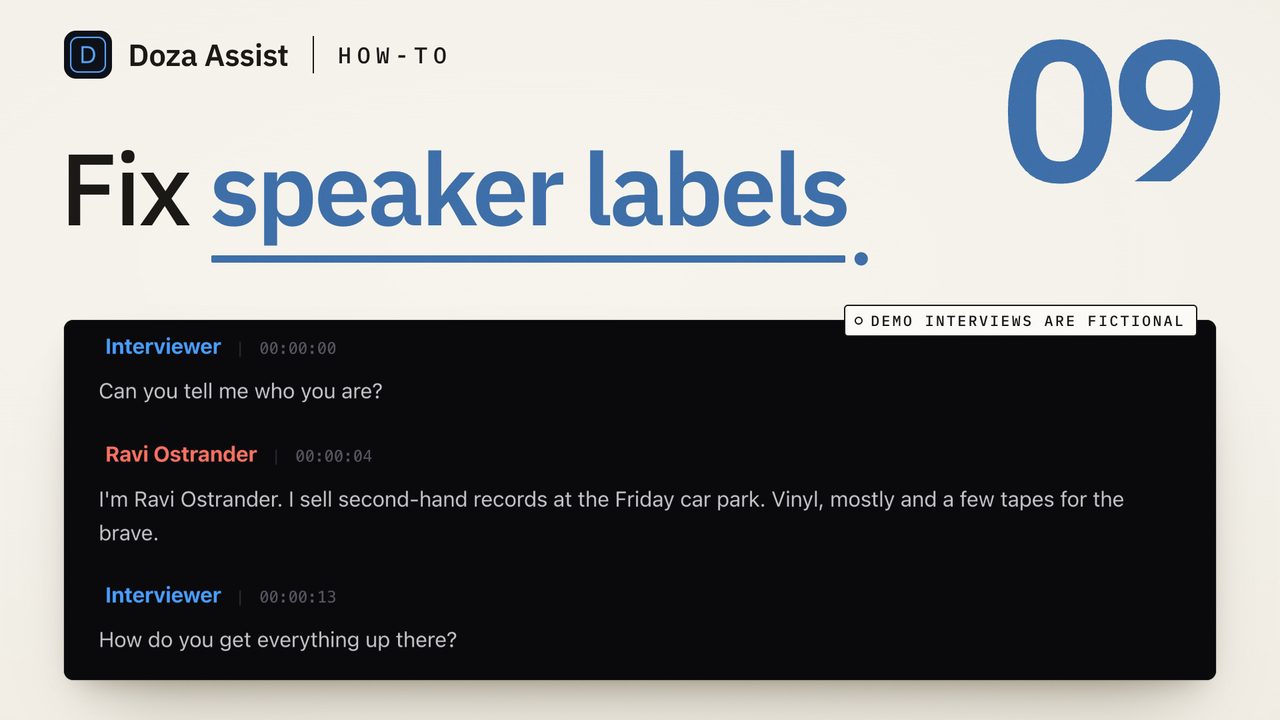
Speaker identification on a panel breaks where two voices overlap, where several people share one mic, and where a moderator talks under the answers. The fix is mostly on the day: a mic on every voice on its own track, a roll call at the top of the recording, and audience questions repeated into a mic. Afterwards, label from the roll call, merge the phantom speakers, and walk the handoffs.
Why do panels break speaker identification?
The software behind the labels is speaker diarization. It cuts the audio into short windows, fingerprints each window by how the voice sounds, and clusters the fingerprints. Each cluster becomes "Speaker 3". The method assumes one voice at a time in a clean signal, and a panel breaks that assumption in five predictable ways.
- Overlap. A panelist jumps in before the last one finishes. The window with both voices in it matches neither fingerprint, so it goes to whoever is louder, or to a new cluster that is not a person.
- A shared mic. Two panelists on one table mic, or a whole stage on the room feed, means every voice arrives with the same room sound. Two people of similar pitch become one speaker for a stretch.
- The moderator's back-channel. "Right." "Sure." "And then?" A one-word interjection is too short to cluster on its own and inherits the label of whoever was already talking.
- Off-mic audience questions. The question comes from the back of the room, quiet and reverberant. It either vanishes from the transcript or lands as a phantom speaker, and the answer that follows carries the wrong name.
- Voices that change. A panelist who leans back, laughs, gets animated or turns to a neighbor can split into two clusters. A four-person panel comes back as eight speakers.
None of this is fixable in software after the fact. Diarization can only separate what the recording separated.
What does your editor give you on a panel?
The built-in transcription in the three editors was built for captions and single clips. Final Cut Pro 11's Transcribe to Captions writes a caption track with no speaker names on it. Premiere Pro's Speech to Text can label speakers in the Text panel, lets you rename them, and can transcribe from a chosen track rather than the mix. DaVinci Resolve's transcription is in the paid Studio edition only.
The lever that works in all three, and in any transcription tool, is the recording, not a setting. A panel captured as one track per mic and synced as a multicam or synchronized clip gives every tool something it can tell apart.
How do you record and label a panel so speaker ID holds?
- Put a mic on every voice, on its own track. A lav or a table mic per panelist, plus one for the moderator, recorded as separate tracks on the recorder or the mixer. The stereo feed from the house board is a backup, not the source.
- Run a roll call on the record. Before the first question, have the moderator ask each panelist to say their name and role, one at a time, into their own mic. That gives the clustering a clean sample of every voice at the top of the file and gives you a reference for labeling later.
- Ask for one voice at a time. Brief the moderator to let answers finish, to nod rather than murmur, and to call on the next panelist by name. Calling by name stops the overlap and writes the name into the transcript where the voice changes.
- Get audience questions onto a mic. A handheld on a runner, or the moderator repeats the question before anyone answers. Either way the question exists in the recording at the same level as the answers instead of as a rumble that labels itself.
- Transcribe from the isolated tracks. Sync the camera and the recorder, then transcribe from the multitrack audio rather than the camera's scratch mix. In Premiere Pro, choose the track to transcribe rather than the mix.
- Label from the roll call, then merge. Play the first minute and rename each numbered speaker as they introduce themselves. Then look at the speaker list: more names than people on the stage means a voice split in two. Play one paragraph from each extra and give it the real name. In most tools, giving two speakers the same name merges them.
- Walk the handoffs, not the whole transcript. The errors cluster where the voice changes: the end of each answer, every audience question, and the final ten minutes when everyone is interrupting. Check those spots with the audio playing, reassign the paragraph or split it where the second voice starts, and leave the long single-speaker runs alone. How to fix speaker labels in an interview transcript has the full repair pass if the recording was hard.
When the recording is already what it is
Most panel footage reaches the editor as one camera with the room mix, shot by someone who was not thinking about transcripts. The rules above still help, in reverse: expect phantom speakers and plan to merge them, expect the Q&A to be wrong and plan to walk it, and use the agenda or the name cards on the table to decide who "Speaker 6" is.
The bigger cost on event work is not one panel. It is the day: three keynotes, six breakouts, a fireside chat, each with its own voices, and a client who wants every panelist's best moment by Friday. Labeling one session by hand is an hour. Labeling nine is the week.
Doza Assist is a local-first AI editing assistant for interviews and dialogue, and AI Speaker ID labels every voice when the transcript is made, including crosstalk and noisy panels. Renaming a speaker in the sidebar renames them everywhere, and giving two speakers the same name merges them, so the roll call at the top of the file becomes a one-minute labeling pass. To fix a handoff, click the paragraph's speaker label and pick the right name, or split the paragraph where the second voice starts; Cmd+Z undoes any of it, and media timing never changes, so every clip you pull afterwards lands on its frame. Batch queues the whole day's sessions to transcribe and analyze unattended on your Mac, and a Collection searches across all of them. Nothing uploads, and the free trial runs every feature on the first 2 minutes of each file; the event and webinar teams page shows the whole day's workflow.
Common questions
Why does my panel transcript have eight speakers when there were four?
Because a voice changed enough during the recording to be clustered twice: a panelist got louder, laughed, turned off axis or moved away from the mic. Merge each duplicate into the real name by giving both the same name. If the extra speakers are short fragments rather than whole paragraphs, they are usually overlap and belong to whoever was interrupting.
Can speaker identification separate two people talking at once?
Not cleanly from a single mixed track. A window of audio with two voices in it fingerprints as neither, so it goes to the louder one or to a phantom. Separate tracks per mic are the reliable fix, because the overlap then exists only on the mix and each track still carries one voice.
Does a mic per speaker fix it completely?
It removes most of the problem and leaves two kinds. Bleed, where a loud neighbor is picked up on your lav at a lower level, can register as a quieter version of their voice on your track. And a panelist who shares a mic with the person beside them is back to one track for two voices. A roll call and a moderator who calls on people by name cover what the mics do not.
Should the moderator repeat audience questions?
Yes, every time, unless a runner gets a handheld to the person asking. A question from the floor without a mic is the most reliable place a panel transcript goes wrong: too quiet and too reverberant to label, and the answer that follows often inherits a stray label from it. Repeating the question puts it on the moderator's mic with the moderator's name, which is also how it will read on the page.
Doza Assist transcribes every interview locally, finds the strongest moments across all of them, then sends your chosen ranges to Final Cut, Premiere, or Resolve. Your video never leaves your Mac.
Free trial: every feature on your first 2 minutes — no account, no card · 30-day money-back guarantee · Requires a Mac with Apple Silicon (M1 or later)