DaVinci Resolve and MCP: what is built in, and what a connector adds.
Resolve Studio 21.1 has MCP built in. What a transcript connector adds beside it: a transcript the assistant reads, selects and a stringout Resolve imports.
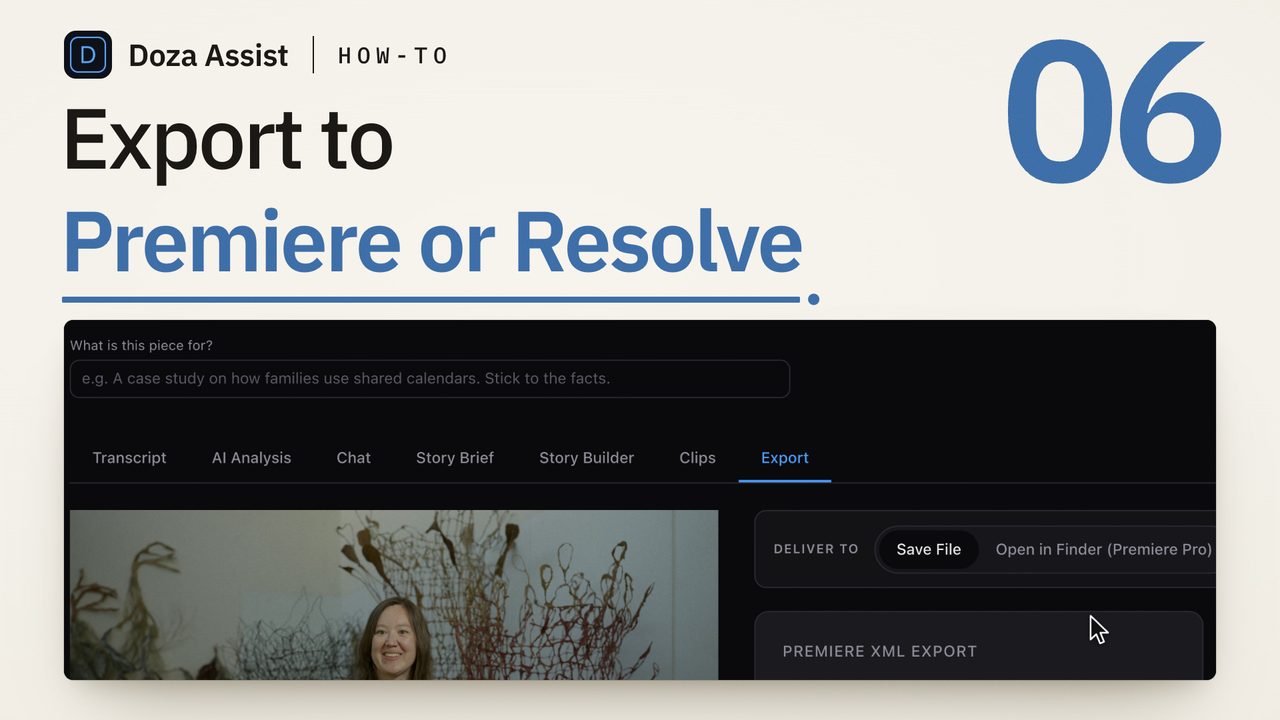
"DaVinci Resolve MCP" means two things. DaVinci Resolve Studio 21.1 has an MCP server built in, so an AI assistant can connect to Resolve itself; Blackmagic's release notes say what it does. A transcript connector beside Resolve adds what Resolve does not hold: a speaker-labeled transcript of every interview, selects on it, and a stringout the assistant builds and Resolve imports. Media stays on the Mac.
What is MCP, and what does it have to do with Resolve?
MCP is an open standard that lets an AI assistant use apps on your Mac. An app that supports it runs a small server. The assistant connects to it, is told what it may read and do there, and from then on you ask in plain words instead of clicking. The assistant can only reach apps that run a server, so for an editor the first question is always whether the editor has one.
DaVinci Resolve does. DaVinci Resolve Studio 21.1 ships with an MCP server built in, which puts Resolve ahead of Final Cut Pro, which has none. What that server lets an assistant do is Blackmagic's to describe, and it changes with releases, so this guide does not: read the release notes for the version you run. The free guide the MCP workflow for DaVinci Resolve puts the whole episode around it.
This page is about the other half of the question. An interview edit starts with a transcript, and Resolve's built-in server is a way into Resolve, not a transcript of your footage. Resolve Studio transcribes a clip at a time; free Resolve does not transcribe at all. How to transcribe in DaVinci Resolve covers both editions. A transcript connector is the server that sits on the transcript, and it works beside Resolve's own.
What does a transcript connector add?
A transcript connector runs in the app that holds the transcript. Doza Assist's connector is one: it is switched on per project, off by default, and Claude Desktop, Claude Code, Codex, Cursor and VS Code connect to it. Once connected, the assistant can list the projects you have switched on, read a project's transcript with speakers and timecodes, search across every switched-on project at once, see the selects in the Clip Library, add its own selects, labeled AI assistant so you always know which are yours, and build a stringout of those selects for Resolve.
It cannot delete or change your clips, open your media files, see a project you have not switched on, or read your My Style profiles. You approve every step, and the cut happens in Resolve.
| You ask for | The assistant gets | What never leaves the Mac |
|---|---|---|
| The projects it may see | Only the ones you switched on, by name | Every other project |
| The transcript | Text with a name on every paragraph and a timecode on every word | The audio and video it was made from |
| A search across the interviews | The matching lines, from every switched-on project at once | The clips those lines sit in |
| Selects | The ones already in the Clip Library, and the ones it adds, labeled AI assistant | The media behind each select |
| A stringout | A timeline of the selects written for Resolve, which you import | The camera files, relinked in Resolve from your own drive |
| A multicam cut to whoever is talking | That is Doza Cuts, a separate app with its own connection, below | The angles and the audio |
How does the stringout reach Resolve?
By file, the way any timeline reaches Resolve from outside. In Doza Assist the "Edit in" selector in the project header is set to DaVinci Resolve once, and every export button then writes for it: a CMX 3600 EDL with the clip names and your notes as comments, or FCPXML when the interview is multicam. Import it in the Media Pool or with File > Import > Timeline, and the selects land as a timeline on the camera files already in your project. The reel-name setting that sends clips offline, and getting handles back, are in how to import an EDL from a transcript into DaVinci Resolve.
On Resolve Studio 18 and later with External Scripting set to Local, Doza Assist can place the timeline in the open project directly, with no import step; what Local does and why tools ask explains the setting. Free Resolve takes the file route, and everything above works the same on it.
What stays on the Mac, and what does not?
The media files never leave the Mac. The connection runs there, the transcription ran there, and the assistant has no way to see footage. What does leave is the text: the transcript and selects of a switched-on project go to the assistant you connected, and an assistant such as Claude is a cloud service under its own terms, not part of Doza Assist. Access is a switch on every project and collection, red or green, off until you turn it on. An interview that has to stay private stays off and stays invisible.
What about cutting a multicam to whoever is talking?
That is a different job and a different app. Doza Cuts, from the same maker, takes a multicam timeline exported from Resolve as FCPXML, listens to every mic, watches every camera and switches the episode to whoever is talking; Resolve gets a flattened timeline back. It has its own optional local connection for Claude Desktop, ChatGPT for Mac and Claude Code, off by default, that can inspect a multicam, cut it, list recent cuts and open a cut, and the assistant never sees media. The two connectors do two halves of an episode: Doza Cuts the camera switching, Doza Assist the transcript, the selects and the stringout.
Doza Assist is a local-first AI editing assistant for interviews and dialogue, and its connector is the transcript half of MCP for a Resolve editor. Transcription and AI Speaker ID run on the Mac first, so the transcript the assistant reads exists before anything is switched on. Switch on AI assistant access from the gear menu on the project page and press Add to Claude Desktop; the other assistants connect with the command shown under Other assistants in the same panel. The assistant's selects arrive in the Clip Library next to yours, where the 5-color highlighter and word-level trim apply to them too, and Export writes the EDL or FCPXML for Resolve. The DaVinci Resolve page shows where it sits beside Resolve's own tools.
Common questions
Does DaVinci Resolve have an MCP server?
Yes. DaVinci Resolve Studio 21.1 ships with an MCP server built in, which Final Cut Pro does not have. What an assistant can do through it is in Blackmagic's release notes for your version. A transcript connector such as Doza Assist's runs beside it and covers the interview side: the transcript, the selects and a stringout Resolve imports.
Does free DaVinci Resolve have MCP?
The built-in server is listed for DaVinci Resolve Studio 21.1; check Blackmagic's release notes for the edition and version you run. A transcript connector does not depend on it. Doza Assist's connector reaches Resolve by file, an EDL or an FCPXML imported with File > Import > Timeline, and free Resolve imports both.
Can Claude edit in DaVinci Resolve?
Two routes. Resolve Studio 21.1 has a server Claude can connect to, and Blackmagic's documentation says what it allows. Through Doza Assist's connector, Claude reads the transcript of a switched-on project, searches it, adds labeled selects and builds a stringout that Resolve imports or, on Resolve Studio with External Scripting set to Local, receives directly. You approve each step and cut in Resolve.
Is it safe to connect an AI assistant to interview footage?
The footage never leaves the Mac, and the assistant cannot see media files at all. What it reads is the transcript text and the selects of the projects you switch on, which go to the assistant's own service under its terms. Access is off by default and per project, so a sensitive interview stays switched off and invisible.
Doza Assist transcribes every interview locally, finds the strongest moments across all of them, then sends your chosen ranges to Final Cut, Premiere, or Resolve. Your video never leaves your Mac.
Free trial: every feature on your first 2 minutes — no account, no card · 30-day money-back guarantee · Requires a Mac with Apple Silicon (M1 or later)