DaVinci Resolve transcription not working: what to check, in order.
Audio Transcription missing or empty in DaVinci Resolve is usually the free edition, an unactivated Resolve Studio, a clip with no audio or the wrong language.
DaVinci Resolve transcription not working is nearly always one of four things, checked in this order: you are in the free edition, which has no Audio Transcription; Resolve Studio is not activated, or is older than 18.5; the clip you right-clicked has no audio; or the transcript was made in the wrong language. On the free edition the fix is a file, not a setting.
What you see
You right-click an interview clip in the Media Pool and Audio Transcription is not in the menu, or it is greyed out, or you choose Create and Resolve answers with a notice about Resolve Studio. Or Create runs, and Audio Transcription > View opens a Transcription window with nothing in it. Or there is text, in the wrong language. Different failures, different causes, one search phrase.
Why is transcription not working in DaVinci Resolve?
- You are in the free edition. Audio Transcription, the Transcription window and Create Subtitles from Audio are Resolve Studio features. In free Resolve the command is missing, greyed out, or answered with a notice that it belongs to Resolve Studio, depending on your version. Confirm it: open the About window under the DaVinci Resolve menu. The paid edition says "DaVinci Resolve Studio"; the free one says "DaVinci Resolve" and nothing more. No setting or plug-in unlocks it. The fix is Resolve Studio, or the route in how to transcribe in DaVinci Resolve, free edition included: transcribe the camera files on the same Mac with another tool, mark the selects in the text, and bring them in as an EDL or FCPXML.
- Resolve Studio is not activated, or is too old. Resolve Studio is a separate download from the free edition, and it needs its license key or dongle. If you bought it and installed the free download from the same page, you are on free Resolve, and the About window says so. Audio Transcription also arrived in Resolve Studio 18.5, so an older release does not have it, however it is licensed. Fix: install the Resolve Studio build, enter the key, and update to a current release before you look for the command again.
- The clip has no audio. Audio Transcription reads the audio of the clip you right-clicked, and a clip with none gives it nothing, so the transcript comes back empty. The usual case on an interview shoot is a camera file recorded without a mic while a separate recorder caught the sound. Confirm: open the clip in the source viewer and look for a waveform. Fix: sync the recorder's file to the camera clip first and transcribe the synced clip, or transcribe the recorder's audio file on its own. The sync settings that hold are in how to sync a multicam interview in DaVinci Resolve.
- The language is wrong. Resolve transcribes in the language it was told to use, not the language it hears. Set to the wrong one, you get the right script and the wrong words, or sentences that read like a bad translation. Confirm: read the first lines in the Transcription window against the clip. Fix: set the language and run Create again. Where it is set depends on the version, so check the language list in yours. If the language that was spoken is not in the list, Resolve cannot transcribe it, and how to transcribe an interview in another language has the route that does.
- The media is offline. A clip with a red Media Offline slate has no file behind it, and there is no audio at a path that leads nowhere. Fix: select the clip, right-click, choose Relink Selected Clips and point Resolve at the folder, then run Create.
- The window is empty because the transcript is not made yet. Audio Transcription > View shows one clip's transcript, and only after Create has finished on that clip. Transcription runs on your machine, and a long interview takes a while. Fix: select the one clip, choose Create, let it finish, then View.
When every check passes and the text is there, remember what you have: one clip's transcript, in one window, with no speaker names on it. Where that stops on a project of many interviews, and the way around it, are in text-based editing in DaVinci Resolve.
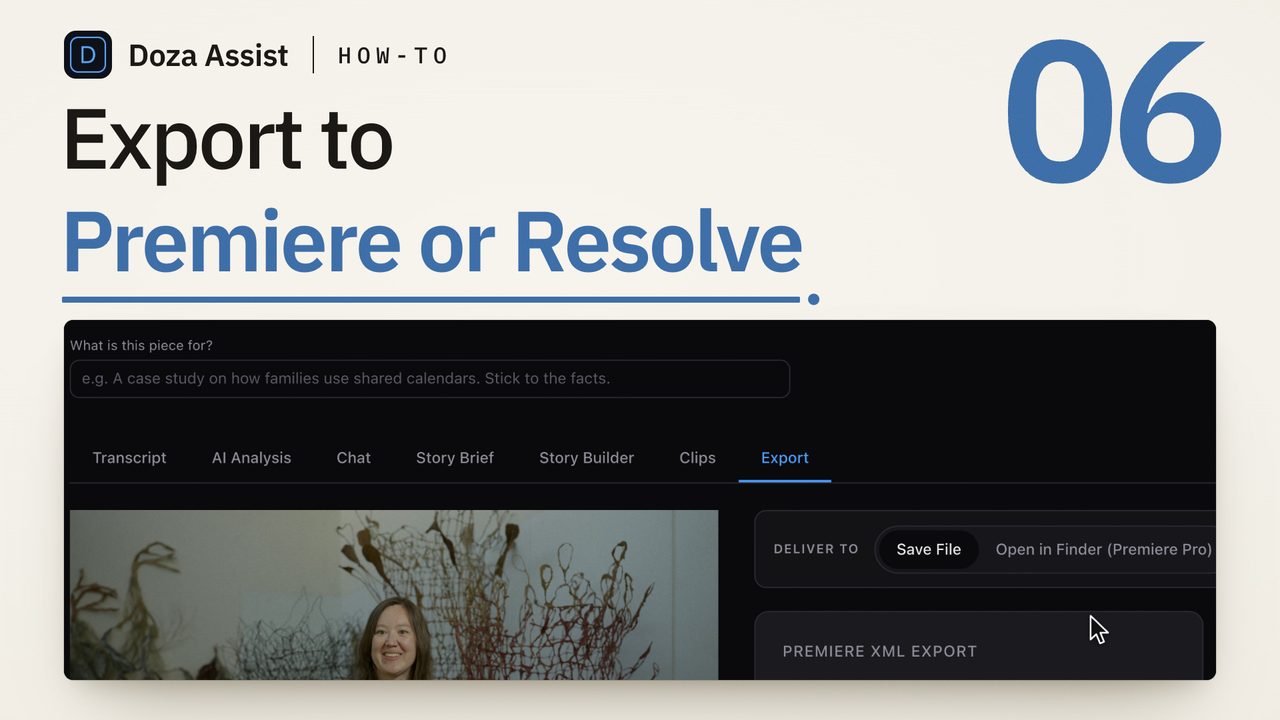
Doza Assist is a local-first AI editing assistant for interviews and dialogue that runs the transcript pass beside Resolve, on either edition, so the first two checks above never come up. The camera files are transcribed on your Mac with the language auto-detected and every speaker labeled by AI Speaker ID, and one search box reads every interview in the project. Set "Edit in" to DaVinci Resolve in the project header, mark the selects in the text, and Export writes a CMX 3600 EDL with clip names and your notes as comments, or FCPXML when the interview is multicam. On Resolve Studio 18 or later with External Scripting set to Local, the app places the timeline in your Media Pool directly; on free Resolve you import the file, which takes one dialog. Nothing uploads, and the DaVinci Resolve page shows where it sits beside the built-in tools.
Common questions
Why is Audio Transcription greyed out in DaVinci Resolve?
Because you are in the free edition. Audio Transcription is a Resolve Studio feature, and free Resolve shows it greyed out, leaves it off the menu or answers it with a notice, depending on the version. The About window under the DaVinci Resolve menu says which edition is open. No setting turns it on.
How do I open the Transcription window in DaVinci Resolve?
In Resolve Studio, right-click a clip in the Media Pool and choose Audio Transcription > View. It shows that clip's transcript only if Audio Transcription > Create has already run on it; on a clip that was never transcribed, or is still being transcribed, the window has nothing to show. It shows one clip at a time.
Why is my DaVinci Resolve transcript empty?
The clip has no audio, the media is offline, or Create has not finished. Check for a waveform in the source viewer, check for a red Media Offline slate in the Media Pool, and make sure you ran Create on the clip you are viewing. A camera clip shot without a mic transcribes as nothing.
Why is my DaVinci Resolve transcript in the wrong language?
Resolve uses the language it was set to, not the one it hears, so a transcript set to the wrong language comes back as wrong words in a plausible script. Set the language to the one that was spoken and run Create again. If that language is not in your version's list, Resolve cannot transcribe it, and a transcription tool that lists it is the route.
Can DaVinci Resolve transcribe a clip with separate audio?
Yes, once the audio is on the clip. Sync the recorder's file to the camera clip in the Media Pool and transcribe the synced clip, or transcribe the recorder's audio file on its own. The camera clip by itself, with no mic, has nothing for Audio Transcription to read.
Doza Assist transcribes every interview locally, finds the strongest moments across all of them, then sends your chosen ranges to Final Cut, Premiere, or Resolve. Your video never leaves your Mac.
Free trial: every feature on your first 2 minutes — no account, no card · 30-day money-back guarantee · Requires a Mac with Apple Silicon (M1 or later)